
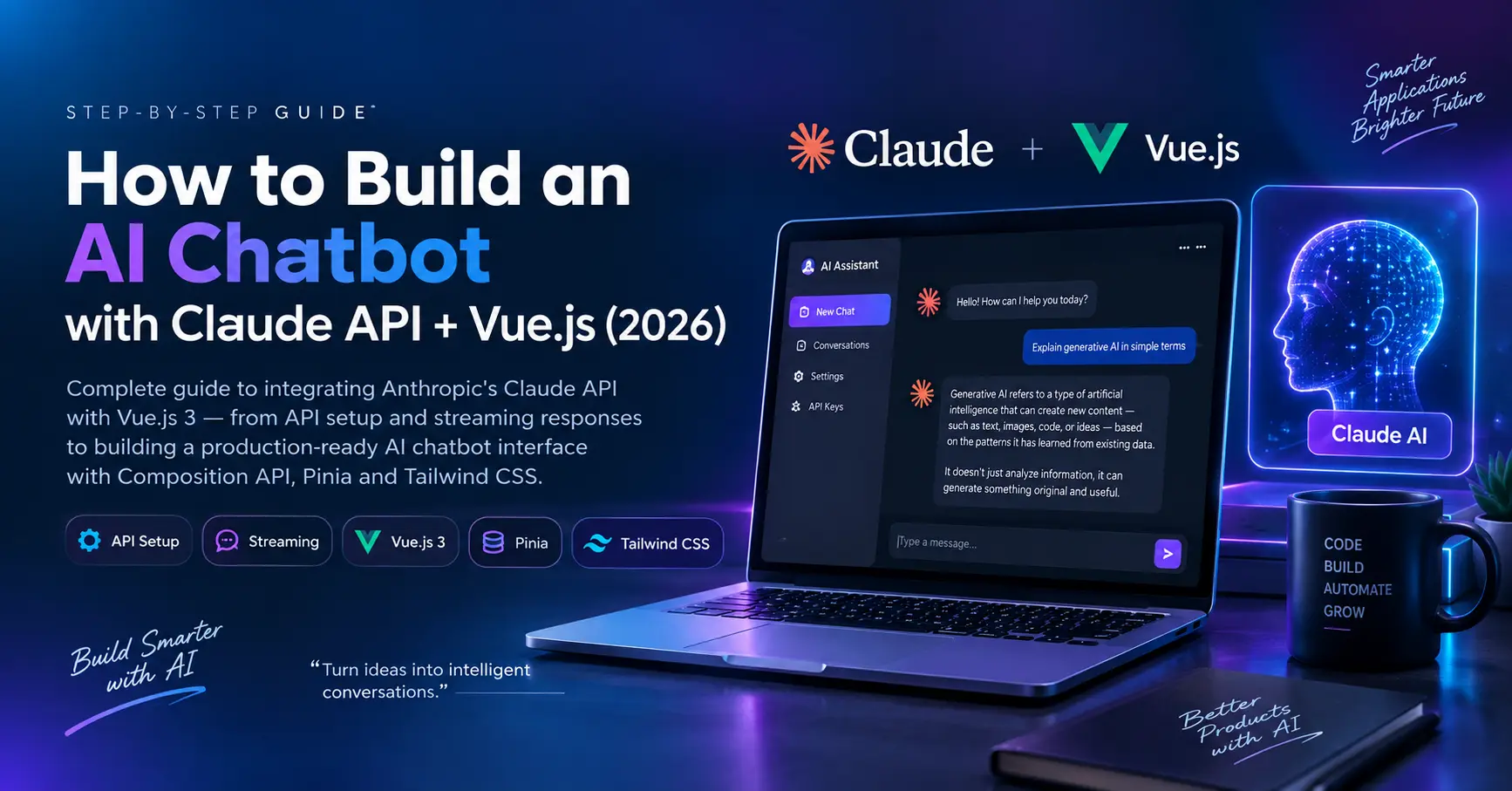
Building Autonomous AI Agents with Tool Calling, Streaming SSE & MCP in Node.js & Vue 3
An enterprise engineering blueprint for developing autonomous AI agents. Learn how to orchestrate multi-step tool execution loops, stream reasoning and token chunks via Server-Sent Events (SSE), implement Model Context Protocol (MCP) standards, and build a reactive Vue 3 interface.

Santosh Gautam
Full Stack Software Engineer · Delhi NCR, India
An Autonomous AI Agent is an event-driven software system where a Large Language Model (LLM) iteratively evaluates user intent, selects and executes discrete programmatic tools (e.g., SQL queries, external APIs, code sandbox execution), inspects the execution payload, and continues reasoning in a feedback loop until completing complex multi-step objectives.
Clone the AgentFlow Starter Kit
Ready-to-run boilerplate with Vue 3 reactive UI, Express SSE server, Gemini 2.0 tool-calling loop, and sample calculators & search tools.
1. The Shift: Simple Chatbots vs Autonomous Multi-Step Agents
Traditional AI integrations are fundamentally single-turn request/response pipelines: a user submits text, the backend prompts an LLM, and the model returns raw generated markdown. While sufficient for creative copywriting, this architecture fails in enterprise environments where the system must interact with live databases, third-party payment APIs, or dynamic web systems.
Autonomous Agents introduce a continuous ReAct (Reason + Act) evaluation cycle:
| Capability | Standard LLM Wrapper | Autonomous Tool-Calling Agent |
|---|---|---|
| Execution Depth | Single prompt inference | Multi-step autonomous execution loop |
| Real-Time Data | Stale training weights / RAG only | Live API calls, DB queries, and web tools |
| Error Self-Correction | None (fails silently with hallucinations) | Inspects tool error stack & retries with adjusted parameters |
| Interoperability | Proprietary prompt formatting | Model Context Protocol (MCP) & standard JSON Schema |
2. System Architecture: Node.js Orchestrator + Vue 3 Stream
To build a resilient agent, we decouple the system into three discrete architectural layers:
Vue 3 Reactive Client
Uses Fetch Stream + `TextDecoder` to ingest chunked SSE packets, displaying live token typing, tool invocation statuses, and collapsible execution results.
Node.js Agent Orchestrator
An Express/Fastify service that manages the conversation context window, token budgets, rate limits, and coordinates the ReAct looping mechanism.
Tool Execution Registry
Isolated async TypeScript/JavaScript functions with strict JSON Schema validations, timeouts, and sandboxed database/API access.
3. Defining Schema-Validated Tools (JSON Schema & MCP Format)
Modern LLMs (Gemini, Claude 3.5, OpenAI, DeepSeek V3) expect tool descriptions defined via strict JSON Schema. Below is our production tool definition for an internal analytical query executor:
// Definition conforming to OpenAI / Anthropic / MCP Tool Schema
export const queryDatabaseTool = {
  name: "query_sales_analytics",
  description: "Queries the aggregated database for sales revenue, order volumes, and customer cohort metrics within a specific date range.",
  parameters: {
    type: "object",
    properties: {
      startDate: {
        type: "string",
        description: "ISO 8601 start date (e.g. 2026-01-01)"
      },
      endDate: {
        type: "string",
        description: "ISO 8601 end date (e.g. 2026-03-31)"
      },
      metric: {
        type: "string",
        enum: ["revenue", "order_count", "average_order_value"],
        description: "The metric calculation requested by the user"
      }
    },
    required: ["startDate", "endDate", "metric"],
    additionalProperties: false
  },
  // Sandboxed Tool Implementation
  async execute({ startDate, endDate, metric }) {
    // Validate inputs & execute parameterized query safely
    const result = await db.query(
      `SELECT calculate_metric($1, $2, $3) AS data`,
      [startDate, endDate, metric]
    );
    return JSON.stringify(result.rows);
  }
};
4. Node.js Backend: The Agent Execution Loop & SSE Stream
The core engine in Node.js keeps streaming real-time tokens to the client over text/event-stream while autonomously calling tools when the LLM emits a tool call decision:
import express from 'express';
import { GoogleGenerativeAI } from '@google/generative-ai';
import { queryDatabaseTool } from './tools/analyticsTool.js';

const app = express();
app.use(express.json());

const toolRegistry = {
  [queryDatabaseTool.name]: queryDatabaseTool.execute
};

app.post('/api/agent/stream', async (req, res) => {
  const { prompt, conversationHistory = [] } = req.body;

  // Initialize Server-Sent Events headers
  res.setHeader('Content-Type', 'text/event-stream');
  res.setHeader('Cache-Control', 'no-cache, no-transform');
  res.setHeader('Connection', 'keep-alive');

  const sendEvent = (event, data) => {
    res.write(`event: ${event}\ndata: ${JSON.stringify(data)}\n\n`);
  };

  try {
    const messages = [...conversationHistory, { role: 'user', content: prompt }];
    let iterations = 0;
    const MAX_STEPS = 6; // Guard against infinite reasoning loops

    while (iterations < MAX_STEPS) {
      iterations++;
      sendEvent('status', { step: iterations, message: 'Reasoning...' });

      // Call LLM with tool declarations
      const response = await aiClient.chat.completions.create({
        model: 'gpt-4o', // or gemini-2.0-flash / claude-3-5-sonnet
        messages,
        tools: [{ type: 'function', function: queryDatabaseTool }],
        stream: true
      });

      let fullContent = '';
      let toolCallChunks = [];

      for await (const chunk of response) {
        const delta = chunk.choices[0]?.delta;

        if (delta?.content) {
          fullContent += delta.content;
          sendEvent('token', { text: delta.content });
        }

        if (delta?.tool_calls) {
          toolCallChunks.push(delta.tool_calls);
        }
      }

      // If no tool call was requested, finish response
      if (!toolCallChunks.length) {
        sendEvent('done', { totalSteps: iterations });
        break;
      }

      // Execute Tool Calls
      const toolCall = assembleToolCall(toolCallChunks);
      sendEvent('tool_start', { name: toolCall.name, args: toolCall.args });

      const executor = toolRegistry[toolCall.name];
      const toolOutput = await executor(JSON.parse(toolCall.args));

      sendEvent('tool_result', { name: toolCall.name, result: toolOutput });

      // Append assistant's tool call & tool result to memory for next turn
      messages.push({ role: 'assistant', tool_calls: [toolCall] });
      messages.push({ role: 'tool', tool_call_id: toolCall.id, content: toolOutput });
    }

    res.end();
  } catch (error) {
    sendEvent('error', { message: error.message });
    res.end();
  }
});
5. Vue 3 Frontend: Real-Time Token & Tool Execution Decoding
On the frontend, Vue 3's Composition API provides immediate reactivity. Instead of waiting for the full response payload, we stream chunk-by-chunk using native browser ReadableStream:
import { ref } from 'vue';

export function useAgentStream() {
  const messages = ref([]);
  const isStreaming = ref(false);
  const activeTool = ref(null);

  async function executeAgent(userPrompt) {
    isStreaming.value = true;
    messages.value.push({ role: 'user', text: userPrompt });

    const assistantMsg = ref({ role: 'assistant', text: '', toolsExecuted: [] });
    messages.value.push(assistantMsg.value);

    const response = await fetch('/api/agent/stream', {
      method: 'POST',
      headers: { 'Content-Type': 'application/json' },
      body: JSON.stringify({ prompt: userPrompt })
    });

    const reader = response.body.getReader();
    const decoder = new TextDecoder('utf-8');
    let buffer = '';

    while (true) {
      const { value, done } = await reader.read();
      if (done) break;

      buffer += decoder.decode(value, { stream: true });
      const lines = buffer.split('\n\n');
      buffer = lines.pop(); // Keep partial stream chunk

      for (const block of lines) {
        if (!block.trim()) continue;
        const [eventLine, dataLine] = block.split('\n');
        const event = eventLine.replace('event: ', '').trim();
        const data = JSON.parse(dataLine.replace('data: ', '').trim());

        if (event === 'token') {
          assistantMsg.value.text += data.text;
        } else if (event === 'tool_start') {
          activeTool.value = data.name;
        } else if (event === 'tool_result') {
          assistantMsg.value.toolsExecuted.push({ name: data.name, output: data.result });
          activeTool.value = null;
        }
      }
    }

    isStreaming.value = false;
  }

  return { messages, isStreaming, activeTool, executeAgent };
}
6. Production Guardrails: Timeouts, Sandboxing & Cost Controls
1. Recursion Loop Breakers (Max Iterations)
Always cap agent reasoning cycles (e.g. 5–8 turns maximum). If an agent fails to resolve the user prompt within the limit, gracefully return intermediate outputs rather than triggering runaway cloud bills.
2. Per-User Token Budgeting with Redis
Track input + output token counts in a sliding window per IP/session ID using Redis to avoid DDoS attacks and API rate-limit throttling.
3. Strict Tool Input Validation
Never trust raw LLM tool arguments. Always sanitize strings with Zod or JSON Schema validators before executing database queries or shell commands.
7. Frequently Asked Questions (FAQ)
Model Context Protocol (MCP) is an open standard that standardizes how AI models and agents discover, connect to, and execute external data sources and local/remote tools without proprietary vendor lock-in.