
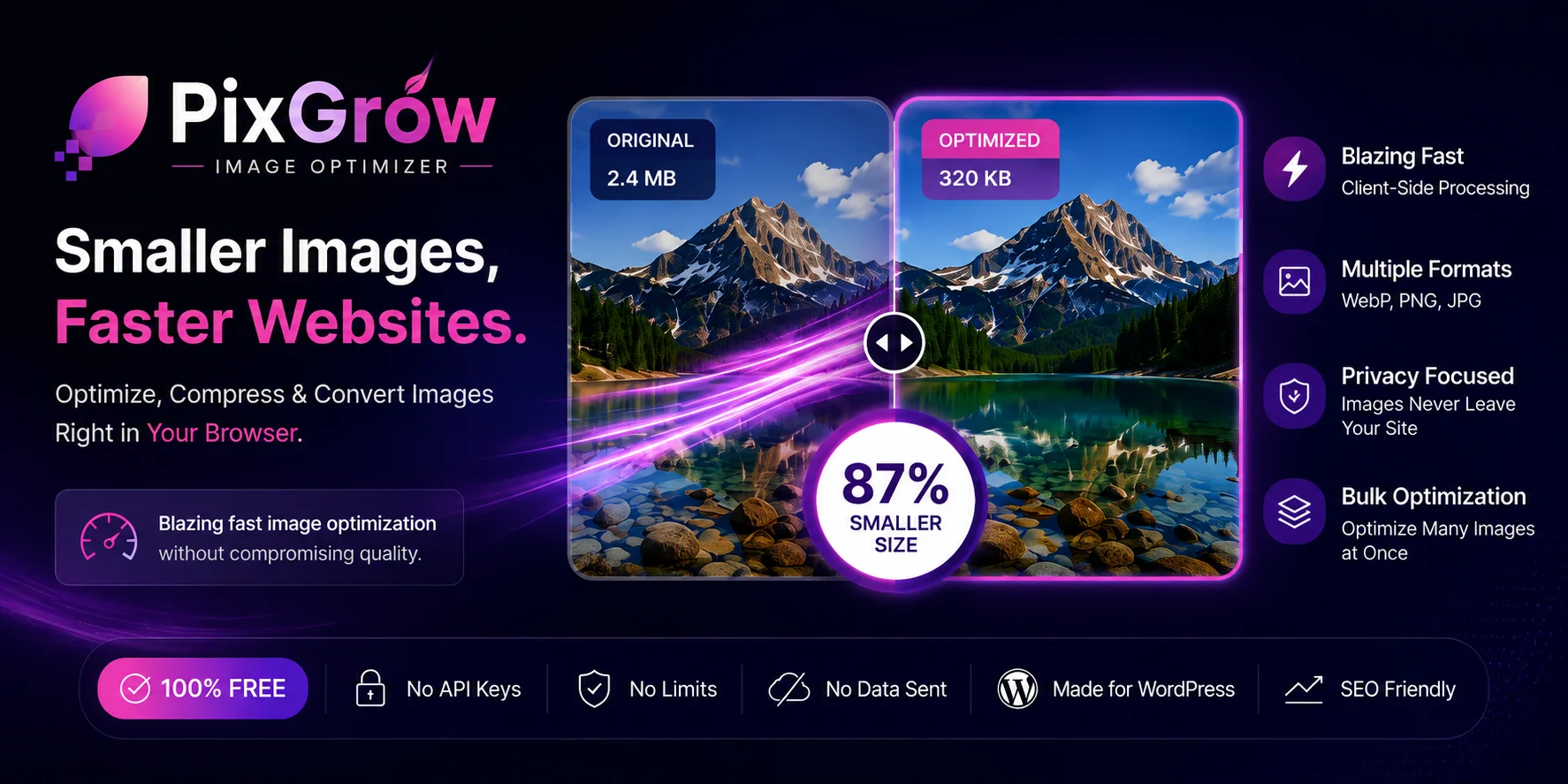
PixGrow Image Optimizer
A high-performance image optimizer plugin for WordPress executing client-side WebAssembly compression directly in the browser. An innovative, zero-cost image optimizer plugin that converts media assets to WebP and AVIF with zero server CPU overhead, no external API keys, and automatic backups.
The WordPress Image Optimization Dilemma
WordPress administrators face a persistent trade-off when optimizing site media. Modern web search engines require lightweight image formats like WebP or AVIF to meet Core Web Vitals targets. However, executing this compression poses significant challenges across hosting setups:
- Server CPU Overload: Relational and PHP-based image libraries (like GD or ImageMagick) running on the hosting server consume heavy system memory and CPU cycles during compression. On shared hosting, bulk optimization tasks trigger execution limits, resulting in gateway errors (HTTP 504) or hosting account suspension.
- Prohibitive API Key Subscriptions: Traditional optimization plugins (e.g., Imagify, Smush, ShortPixel) offload compilation tasks to external cloud servers. This requires subscription plans and API keys, generating recurring operational costs as media libraries grow.
- Data Privacy & Security Concerns: Outbound image processing requires uploading sensitive media files—such as proprietary product graphics or customer uploads—to third-party compression APIs, raising compliance concerns under strict data residency and privacy frameworks.
- Shared Hosting Restrictions: Many low-cost hosting accounts restrict access to local server-side command line binaries (like
cwebporcavif). This leaves developers unable to execute local shell-based image compression, rendering traditional self-hosted tools inoperative.
How PixGrow Works: Zero Server Load (ZSL) Pipeline
PixGrow shifts the entire computational cost of image compression from the hosting server to the client browser. By leveraging WebAssembly (Wasm) worker threads, images are processed locally within the WordPress administration dashboard before being uploaded, ensuring zero server-side CPU utilization.
Figure 1: High-level lifecycle flow of the local WebAssembly optimization pipeline within the WordPress Media Library context.
Key Product Capabilities
Browser-Based Optimization
Offloads heavy image calculations to the administrator's desktop using dedicated WebAssembly threads, keeping server resources unoccupied.
WebP Encoding
Converts images natively to WebP, generating lightweight files with structural metadata preservation for wide browser compatibility.
AVIF Integration
Utilizes the next-generation AV1 image format to reduce image payloads by up to 50% compared to standard WebP, without quality loss.
Automatic Backups
Copies original uncompressed images to a designated backups directory, allowing seamless restoring of database and file states.
No API Keys Needed
Operates fully locally without external endpoints, registrations, or monthly limits, saving subscription overhead.
Shared Hosting Friendly
Bypasses strict PHP configuration parameters and CPU time limits because execution happens outside the server context.
Technical Architecture & System Mechanics
PixGrow's client-side runtime model is built on top of high-performance libraries compiled into target WebAssembly binaries. When an administrator initiates a compression task within the WordPress Media Library, the plugin executes the following pipeline:
1. WebWorker Thread Spawning & Wasm Loading
To prevent blocking the main browser UI thread, the plugin dynamically spawns a JavaScript WebWorker. Inside this worker, the WebAssembly build files for target encoders (such as avif_enc.wasm or webp_enc.wasm) are loaded via a custom asynchronous fetch pipeline. These compiled libraries run image data manipulation arrays directly in linear WebAssembly memory arrays.
2. Client-Side Chunked Upload & Server Interception
Once WebAssembly compression finishes inside the worker thread, the resulting binary stream is split into logical file chunks. These chunks are uploaded using AJAX POST requests to WordPress REST API endpoints. This prevents timeouts caused by server upload limits on low-bandwidth setups. On the server side, PHP collects these chunks, rebuilds the optimized image, and moves the raw, original image to the backup location (wp-content/uploads/wasmpress/backups/).
3. Metadata Schema Preservation & Atomic Rollbacks
To allow restoration at any point, PixGrow creates a dedicated record using a custom meta key: _wasmpress_original_meta. This record stores the original dimensions, size parameters, and file paths. If an administrator clicks "Restore Original", PixGrow executes an atomic database update. This reverts the attachment files to the backup location, removes the optimized formats, and updates the attachment metadata array, ensuring database integrity.
Why PixGrow is Different
| Architectural Metric | PixGrow Optimizer | Traditional SaaS Plugins | Server-Side GD/Imagick |
|---|---|---|---|
| Processing Context | Client Web Browser (Wasm) | Third-Party SaaS Servers | Hosting Server CPU |
| Server CPU Overhead | Zero Server CPU Load | Low (API network wait) | Extremely High CPU spikes |
| Ongoing Costs | 100% Free (Open Source) | Monthly subscriptions | Free (Included in host) |
| API Keys Required | No API Registration | Yes (Key validation required) | No |
| Privacy Residency | Local (Files never leave host) | External data transfer | Local to target server |
| Host Compatibility | Universal (Runs on any host) | Requires external HTTP post | Restricted on basic hosts |
Frequently Asked Questions
What is WebAssembly image compression?
WebAssembly (Wasm) image compression executes high-performance image codecs compiled into lightweight Wasm formats directly in the client's web browser. Instead of compiling image pixel arrays on the server, PixGrow shifts the execution context to the administrator's desktop or laptop, enabling processing without host CPU usage.
How to convert WordPress images to WebP?
PixGrow automatically intercepts media library uploads inside WordPress, prompts the browser to execute the local WebAssembly WebP codec, and compiles the raw image arrays. The optimized WebP file is then uploaded and registered in the media catalog, replacing references dynamically.
How to optimize images without API keys?
Because compression takes place within your own browser via WebAssembly compilation files, there are no external computing costs. PixGrow operates with zero reliance on cloud API endpoints, meaning you do not need registrations, licenses, or key validation checks.
Is AVIF better than WebP?
AVIF provides next-generation structural compression based on the AV1 video codec. It offers superior file size reductions, yielding up to 50% smaller sizes than WebP while retaining fine image details. PixGrow includes both AVIF and WebP encoders, letting administrators pick the compression codec that best fits their site setup.
Does PixGrow work on shared hosting?
Yes. Standard shared hosts limit CPU times and disable terminal execute binaries. Because PixGrow handles image encoding within the user's browser runtime and uploads the finished files in chunks, it runs successfully on any standard shared hosting platform without triggering server execution limits.
Can I restore original images?
Yes. PixGrow copies original media files to the wp-content/uploads/wasmpress/backups/ directory and maps them inside the WordPress database using a custom meta key. Administrators can restore original attachments at any time, returning files and database records to their raw state.
Release History & Changelog
v1.0.2 — Stabilization Patch
Released June 8, 2026
Fixed metadata rollback keys when processing multiple concurrent restore tasks. Optimized chunked AJAX boundary checks for high-latency connections.
v1.0.1 — Performance Adjustments
Released May 20, 2026
Added visual progress indicators inside the bulk optimization table. Spawning secondary browser worker threads to improve batch image compression speeds.
v1.0.0 — Production Release
Released April 15, 2026
Initial public release of the client-side WebAssembly compression pipeline. Includes WebP and AVIF encoders, backup storage mechanisms, and database restoration systems.
Let's Discuss Web Performance Engineering
Need custom WebAssembly integrations, high-performance database tuning, or automated workflow development? I build custom plugins, payment integrations, and scalable SaaS solutions.