
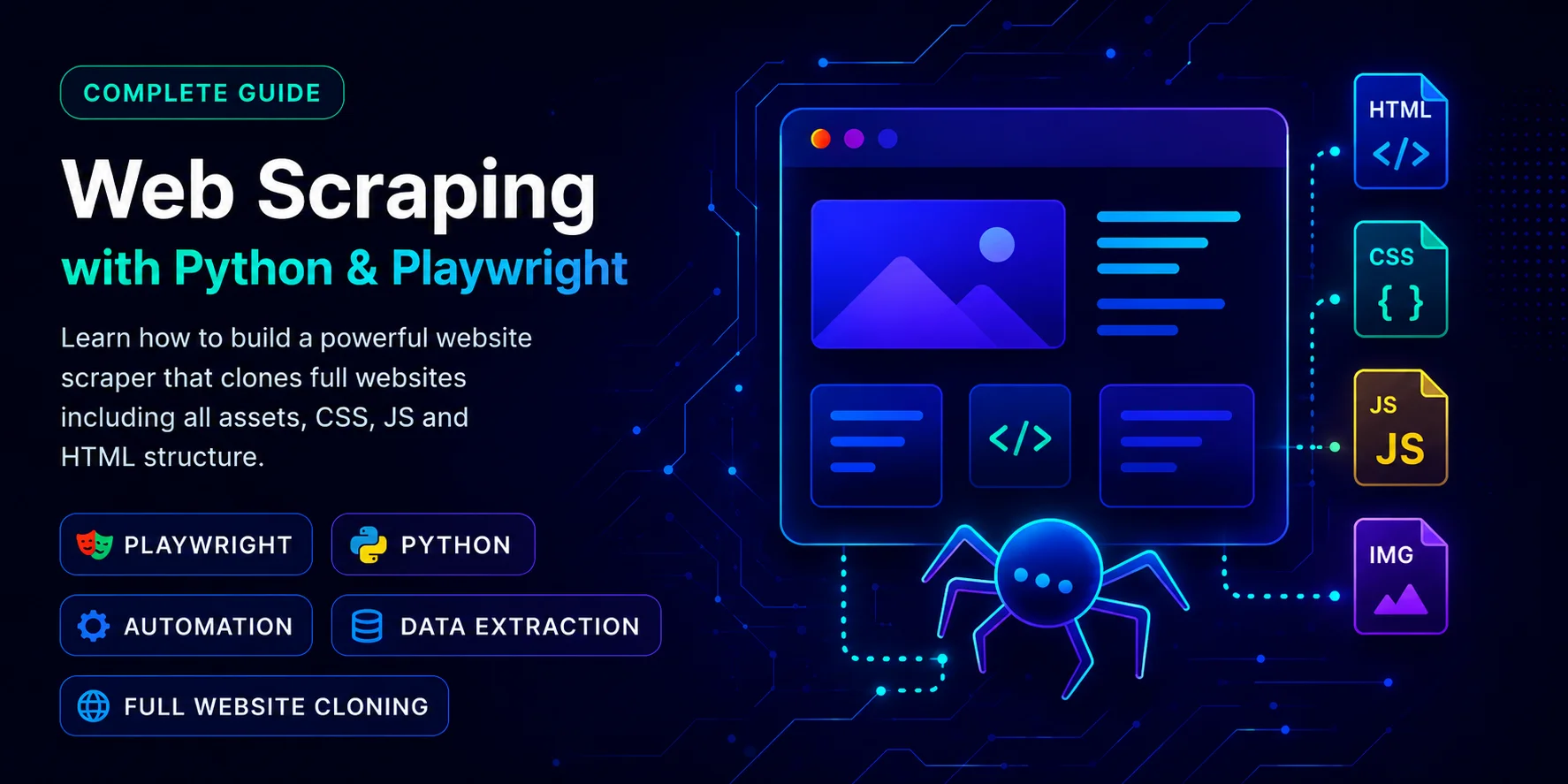
Scrape Data Tool — Website Scraper
A Python & Playwright-based web scraping tool that fully renders dynamic JavaScript content and downloads complete websites — HTML, CSS, JS and images — packaged into a downloadable ZIP archive.

Santosh Gautam
Full Stack Developer · India
Problem
Scraping modern, dynamic websites is challenging because typical HTML parsers cannot render JavaScript-heavy content. Additionally, assembling dynamic content, downloading assets (HTML, CSS, JS, images), rewriting asset URLs, packaging them into downloadable offline packages, and managing server disk space require a structured and coordinated pipeline.
Architecture
The tool is implemented as a lightweight Flask REST API server in Python that launches headless browser contexts via Playwright to fetch and evaluate dynamic scripts, extracts assets recursively, modifies asset links, and packages files into local directories.
API Request -> Flask Endpoint -> Playwright Engine -> Page Render & JS Execution -> BeautifulSoup Asset Parser -> Local File Writer -> Relative Path Rewriter -> ZIP Archiver -> Download Payload
Technology Stack
- Python (Verified Wikidata Entity: Q28865) — Scripting and crawler runtime environment.
- Playwright (Verified Wikidata Entity: Q106518485) — Headless Chromium rendering engine.
- Flask (Verified Wikidata Entity: Q1420790) — REST API server framework.
- BeautifulSoup4 — XML/HTML parser to inspect and restructure DOM assets.
- ZIP utility — Compresses directories into downloadable bundles.
Implementation Decisions
- Synchronous Crawling Contexts: Running scraper execution synchronously within Flask request contexts to keep the server architecture simple and lightweight.
- Headless Browser Isolation: Running browser processes in headless mode to render JS-rendered DOM structures before HTML extraction begins.
- Local Asset Rewriting: Converting absolute paths of external stylesheets, scripts, and image tags to offline-ready relative paths pointing to local folders.
- Server Storage Cleanup: Auto-deleting generated ZIP bundles from the server's local storage immediately after the user triggers a successful download response callback.
Security Considerations
- Directory Traversal Mitigation: Validating and filtering user-input URLs to ensure request loops cannot read local file systems or target local subnets.
- Mitigating Command Injection: Implementing Playwright scripts directly through the Python API context wrapper, avoiding any execution of shell processes.
Challenges Encountered
Resolving nested asset references (such as relative imports inside stylesheets or dynamically resolved background images) that pointed to broken paths. This was resolved by implementing default directory fallback lookups.
Lessons Learned
Headless browser instances consume significant server RAM. Reusing browser contexts and pages rather than spinning up entirely new browser applications for every API request keeps memory consumption predictable and stable.
API Usage
/scrapeScrape a websitezipGET http://127.0.0.1:5000/scrape?url=https://example.com&type=zip
/download/<filename>Download ZIPGET http://127.0.0.1:5000/download/example_com_1a2b3c4d.zip
Related Hub Resources
Service Offering
Node.js Developer ServicesScalable backend systems, asynchronous queues, browser automation environments, and task orchestrations.
Blog Guide
JWT Authentication GuideStep-by-step developer guide to securing web scraper APIs and backend route validation.
License
MIT License — Free to use & modify
Author
Santosh Gautam
hisantosh.com