
WhatsApp Business API Webhook with Node.js — Signature Verification & Rate Limiting
A production-level walkthrough of integrating a WhatsApp Business API webhook in Node.js — covering HMAC-SHA256 signature verification, dynamic per-number rate limiting, and common pitfalls like token error 190 and duplicate delivery race conditions.

Santosh Gautam
Full Stack Developer · India
1. How WhatsApp Webhooks Work
When a customer replies to a WhatsApp message, Meta sends an HTTP POST request to your registered webhook endpoint. Your server has under 20 seconds to respond with HTTP 200 — otherwise Meta retries, which causes duplicate processing. The payload is JSON and arrives with a X-Hub-Signature-256 header you must verify before doing anything else.
// What Meta sends to your endpoint
POST /webhook HTTP/1.1
Host: api.yourapp.com
X-Hub-Signature-256: sha256=abc123...
Content-Type: application/json

{
  "object": "whatsapp_business_account",
  "entry": [{
    "id": "WHATSAPP_BUSINESS_ACCOUNT_ID",
    "changes": [{
      "value": {
        "messaging_product": "whatsapp",
        "metadata": { "phone_number_id": "1234567890" },
        "messages": [{
          "from": "919876543210",
          "id": "wamid.xxx",
          "type": "text",
          "text": { "body": "Hello" }
        }]
      },
      "field": "messages"
    }]
  }]
}- Meta delivers to your webhook URL via HTTPS POST only.
X-Hub-Signature-256is an HMAC-SHA256 of the raw request body, signed with your App Secret.- You must echo a
hub.challengetoken during the initial verification GET request to register the endpoint. - Duplicate delivery is real — the same
wamidmessage ID can arrive more than once under load.
2. HMAC Signature Verification — The Right Way
Skipping signature verification means anyone can POST fake payloads to your endpoint and trigger business logic. The verification must use crypto.timingSafeEqual — never a plain string comparison, which is vulnerable to timing attacks.
Critical: You must pass the raw request body buffer to the HMAC — not req.body after JSON parsing. JSON.parse then JSON.stringify can reorder keys, breaking the hash. Use express.raw() on the webhook route.
const express = require("express");
const crypto  = require("crypto");
const router  = express.Router();

const APP_SECRET = process.env.WHATSAPP_APP_SECRET;

// ✅ Use express.raw() so req.body is a Buffer, not parsed JSON
router.post(
  "/webhook",
  express.raw({ type: "application/json" }),
  verifySignature,
  handleWebhook
);

function verifySignature(req, res, next) {
  const sigHeader = req.headers["x-hub-signature-256"];

  if (!sigHeader) {
    return res.status(401).json({ error: "Missing signature" });
  }

  // Header format: "sha256=[hex_digest]"
  const receivedSig = Buffer.from(sigHeader.replace("sha256=", ""), "hex");

  const expectedSig = crypto
    .createHmac("sha256", APP_SECRET)
    .update(req.body) // req.body is raw Buffer here
    .digest();

  // ✅ Timing-safe comparison — prevents timing attacks
  if (
    receivedSig.length !== expectedSig.length ||
    !crypto.timingSafeEqual(receivedSig, expectedSig)
  ) {
    return res.status(403).json({ error: "Invalid signature" });
  }

  // Now safe to parse
  req.body = JSON.parse(req.body.toString());
  next();
}express.raw()preserves the original byte stream for correct HMAC computation.timingSafeEqualtakes constant time regardless of where byte comparison fails — preventing leaking info about the secret.- Length check before
timingSafeEqualis required — the function throws if buffers differ in length. - Parse JSON only after the signature passes — never before.
WooCommerce Webhooks & Reverse Proxy Header Gotchas
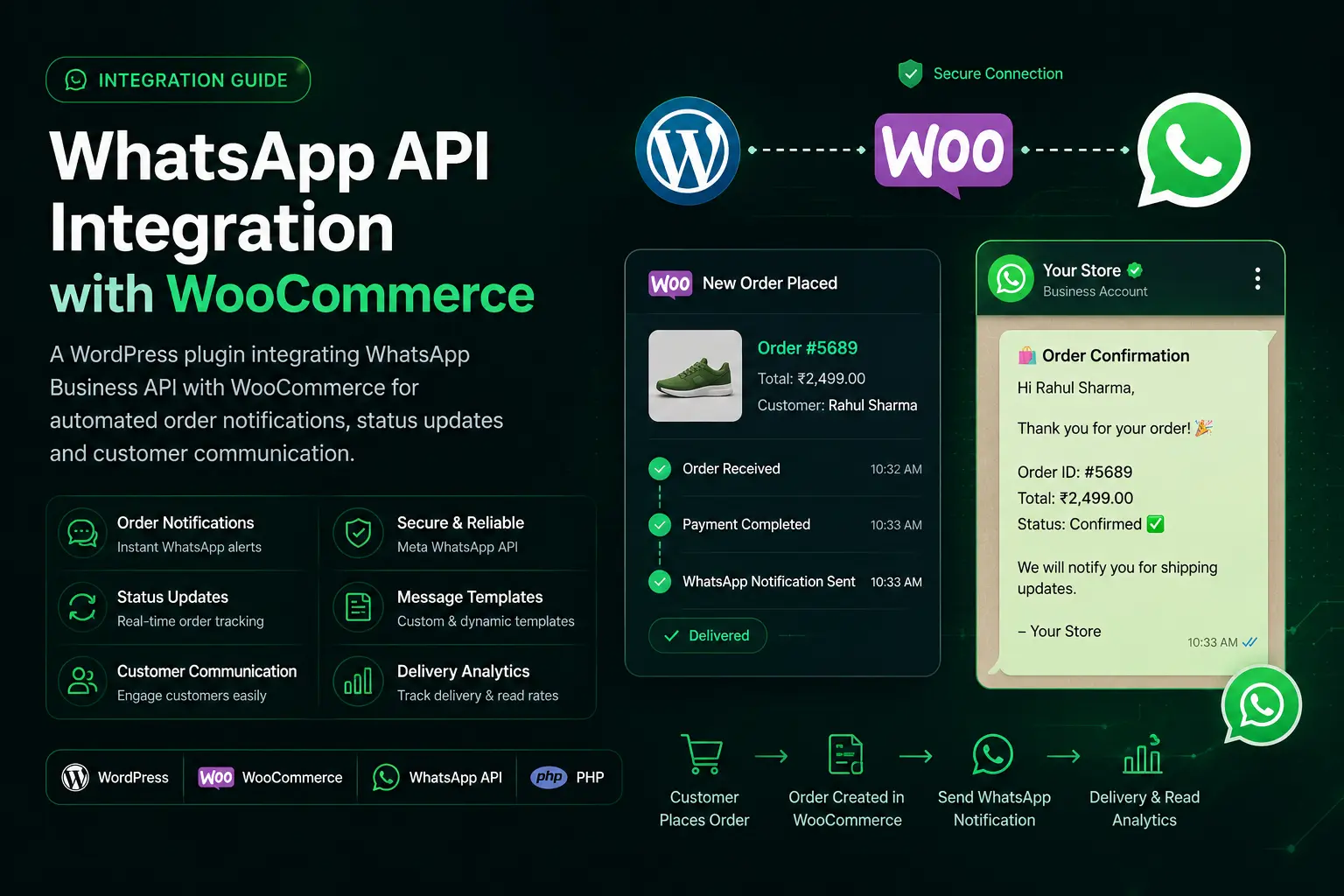
When integrating with e-commerce stores like WooCommerce (via our WhatsApp + WooCommerce Automation System), WooCommerce signs its outbound webhooks using HMAC-SHA256 in the x-wc-webhook-signature header (Base64-encoded). The verification pattern remains identical: pass the raw body buffer to crypto.createHmac('sha256', WC_SECRET).update(req.body).digest('base64').
Reverse Proxy / Gateway Note: If your Node.js application runs behind Nginx, Cloudflare, or an API gateway, ensure your proxy passes the X-Hub-Signature-256 header intact and forwards the raw request body stream without charset transformation or premature parsing. In Nginx: proxy_set_header X-Hub-Signature-256 $http_x_hub_signature_256; proxy_pass_request_headers on;
3. Webhook Registration — Handling the Verification GET
Before Meta starts sending events, it makes a one-time GET request to verify you own the endpoint. You must respond with the hub.challenge value only if the hub.verify_token matches your configured secret.
const VERIFY_TOKEN = process.env.WHATSAPP_VERIFY_TOKEN;

// GET /webhook — Meta's one-time endpoint verification
router.get("/webhook", (req, res) => {
  const mode      = req.query["hub.mode"];
  const token     = req.query["hub.verify_token"];
  const challenge = req.query["hub.challenge"];

  if (mode === "subscribe" && token === VERIFY_TOKEN) {
    console.log("Webhook verified successfully");
    return res.status(200).send(challenge); // Must be plain text
  }

  res.status(403).json({ error: "Verification failed" });
});
The verify token is not the App Secret — it is a separate string you choose and paste into the Meta Developer Console. Store it in an environment variable.
4. Dynamic Per-Number Rate Limiting
WhatsApp APIs have per-phone-number rate limits enforced by Meta (typically 80 messages/second per number on Cloud API). Sending beyond this returns error code 130429. On the inbound side, a single user can flood your webhook endpoint with rapid messages. A dynamic rate limiter scoped to the sender's phone number fixes both problems.
// In-process rate limiter using a Map (swap for Redis in multi-instance)
const senderLimits = new Map(); // { phone: { count, windowStart } }

const WINDOW_MS  = 60_000; // 1-minute window
const MAX_IN_WIN = 10;      // max messages per sender per window

function rateLimitSender(phone) {
  const now = Date.now();
  const entry = senderLimits.get(phone);

  if (!entry || now - entry.windowStart > WINDOW_MS) {
    // New window
    senderLimits.set(phone, { count: 1, windowStart: now });
    return false; // not limited
  }

  entry.count += 1;

  if (entry.count > MAX_IN_WIN) {
    return true; // limited — drop or queue
  }

  return false;
}

async function handleWebhook(req, res) {
  // Respond 200 immediately so Meta does not retry
  res.status(200).send("EVENT_RECEIVED");

  const messages = req.body?.entry?.[0]?.changes?.[0]?.value?.messages;
  if (!messages?.length) return;

  for (const msg of messages) {
    const phone = msg.from;

    if (rateLimitSender(phone)) {
      console.warn(`Rate limit hit for ${phone} — dropping message`);
      continue;
    }

    await processMessage(msg);
  }
}- Respond
200 OKbefore processing — this tells Meta the delivery succeeded and prevents retries. - For multi-instance deployments, replace the
Mapwith RedisINCR+EXPIREso counters are shared across pods. - Scope limits to
phone(sender), not globally — one chatty user should not throttle others.
In production (MQwick), we used Redis INCR with a 60-second TTL per key format wh:rate:{phone}:{window_minute}. This survives pod restarts and auto-expires without cleanup jobs.
5. Deduplication — Handling Duplicate Webhook Delivery
Meta guarantees at-least-once delivery, not exactly-once. Under network instability or when your server is slow to respond, the same message can arrive twice within seconds. Without deduplication, you might send a customer two confirmation messages or charge them twice.
// Redis-based deduplication using message ID (wamid)
const redis = require("./redisClient"); // ioredis instance

async function isDuplicate(messageId) {
  const key = `wh:dedup:${messageId}`;

  // SET key 1 NX EX 300 — set only if not exists, expire in 5 min
  const result = await redis.set(key, "1", "NX", "EX", 300);

  // result is "OK" if key was NEW (first delivery)
  // result is null if key ALREADY EXISTED (duplicate)
  return result === null;
}

async function processMessage(msg) {
  if (await isDuplicate(msg.id)) {
    console.log(`Duplicate wamid ${msg.id} — skipping`);
    return;
  }

  // Safe to process — guaranteed first time
  const phone = msg.from;
  const text  = msg.text?.body ?? "";

  await handleBusinessLogic(phone, text);
}

// ⚠️ Race condition: two pods can receive the same wamid simultaneously.
// Redis SET NX is atomic — only ONE will get "OK". The other gets null.
// This is the correct pattern. Do NOT use GET + SET (not atomic).
SET key 1 NX EX 300is atomic — no race condition between check and set.- Use the
wamid(message ID from Meta's payload) as the dedup key — it is unique per message. - 5-minute TTL is enough; Meta's retry window is under 3 minutes in practice.
- Never use
GET+SETas two separate commands — that introduces a race window.
6. Error Code 190 — Token Expiry and How to Handle It
When your access token expires, every outbound message attempt returns HTTP 400 with error.code === 190. This is the single most common production incident with the WhatsApp Cloud API. Permanent tokens (System User tokens from the Meta Business Manager) do not expire — temporary tokens from the Graph API explorer expire in 60 days.
// Centralized WhatsApp send function with error 190 detection
async function sendWhatsAppMessage(phoneNumberId, to, template) {
  const url = `https://graph.facebook.com/v20.0/${phoneNumberId}/messages`;

  try {
    const response = await axios.post(
      url,
      {
        messaging_product: "whatsapp",
        to,
        type: "template",
        template,
      },
      {
        headers: {
          Authorization: `Bearer ${process.env.WHATSAPP_TOKEN}`,
          "Content-Type": "application/json",
        },
      }
    );

    return response.data;

  } catch (err) {
    const apiError = err.response?.data?.error;

    if (apiError?.code === 190) {
      // Token expired — alert ops immediately, do NOT silently retry
      await notifyOps("WHATSAPP_TOKEN_EXPIRED", {
        subcode: apiError.error_subcode,
        message: apiError.message,
      });
      throw new Error("WhatsApp token expired — ops notified");
    }

    if (apiError?.code === 130429) {
      // Rate limit from Meta — backoff and retry
      await delay(5000);
      return sendWhatsAppMessage(phoneNumberId, to, template); // one retry
    }

    throw err;
  }
}
Do not silently swallow error 190. Messages fail silently — customers never receive notifications and you have no visibility. Always alert to Slack or PagerDuty immediately on code 190.
- Error
190= access token expired or invalid. - Error
130429= rate limit exceeded on Meta's side — retry with backoff. - Error
131030= recipient phone number not on WhatsApp. - Use a System User token from the Business Manager for production — it does not expire unless revoked.
7. Complete Express Setup — Putting It Together
// server.js — production webhook setup
const express = require("express");
const crypto  = require("crypto");
const app     = express();

// Global JSON parser — NOT for the webhook route
app.use(express.json());

// ── Webhook routes ──────────────────────────────
app.get("/webhook",
  handleVerification      // Meta's one-time GET
);

app.post("/webhook",
  express.raw({ type: "application/json" }), // raw body for HMAC
  verifySignature,         // reject non-Meta payloads immediately
  handleWebhook            // 200 first, then process async
);

// ── Startup ─────────────────────────────────────
const PORT = process.env.PORT || 3000;
app.listen(PORT, () => {
  console.log(`Webhook listening on port ${PORT}`);
});

// Environment variables required:
// WHATSAPP_APP_SECRET   — from Meta App Dashboard > App Settings
// WHATSAPP_VERIFY_TOKEN — chosen by you, set in Meta console
// WHATSAPP_TOKEN        — System User access token
// REDIS_URL             — for dedup + rate limiting in production
FAQ
The HMAC-SHA256 signature is computed over the exact raw bytes Meta sent. If you parse JSON first then re-stringify, key ordering may change and the hash will not match. express.raw() gives you the original Buffer — pass that directly to createHmac().update().
Related Services & Case Studies
Case Study
WhatsApp + WooCommerce IntegrationProduction plugin integrating WooCommerce order events with Meta's WhatsApp Business API for automated customer notifications.
Service Offering
Node.js Developer ServicesProduction backend architecture, event queues, high-throughput microservices, and secure API gateways.
Service Offering
REST API & Webhook DevelopmentSecure webhook endpoints, JWT middleware, Redis rate limiting, and third-party API integrations.
Related Reading
JWT Authentication GuideHMAC signing, token validation middleware, and secure API authentication — same cryptographic primitives used in webhook verification.